





By Alexa Fangman
In this article:
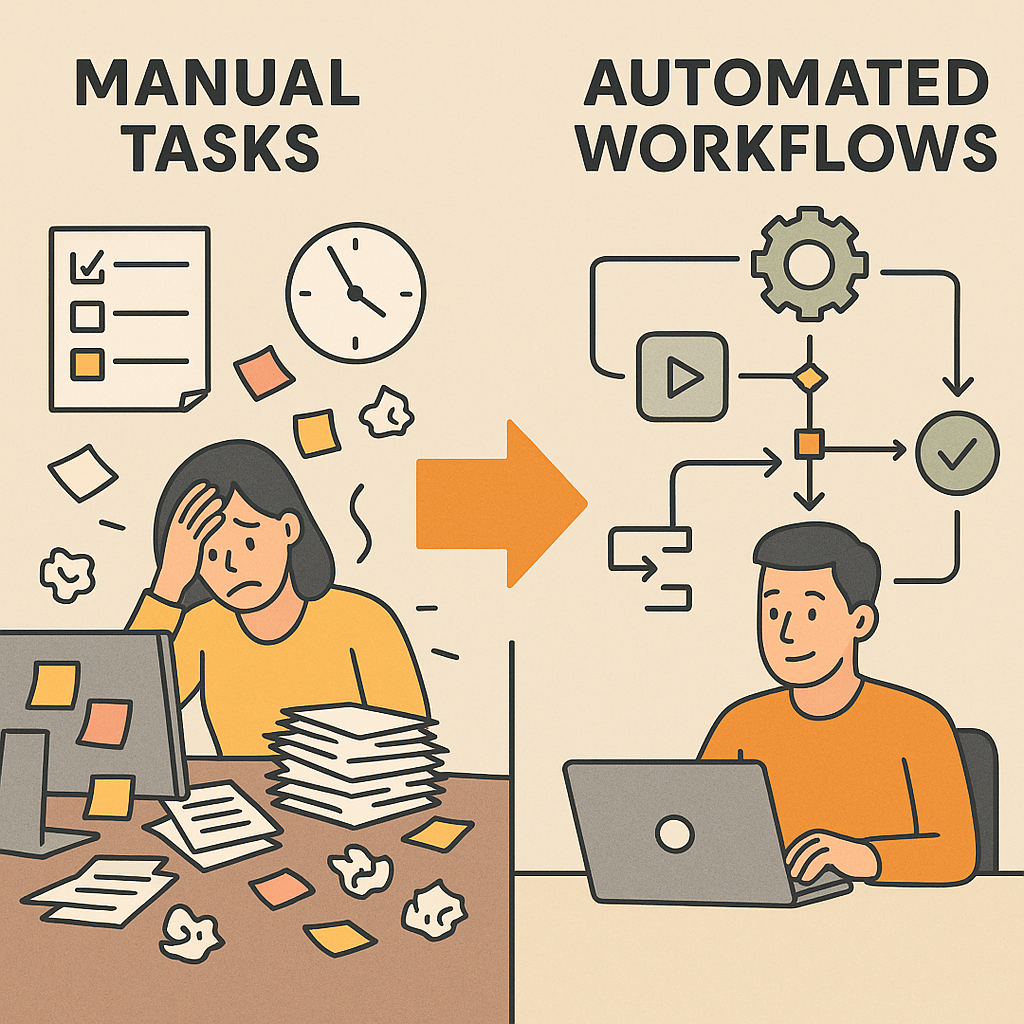
Reclaim hours of your workday by letting automation handle the repetitive tasks that keep your team from doing what they do best - building relationships and growing your business.
Why Your Team Spends More Time on Busywork Than Building Relationships
Here's the reality: your sales reps spend only about 35% of their time actually selling. The rest? Data entry, sending follow-up emails, updating deal stages, chasing down information across different systems. Sound familiar?
When your team is drowning in manual tasks, something's got to give - and it's usually the meaningful work that suffers. Customer relationships get less attention. Follow-ups slip through the cracks. Your team knows they should be nurturing leads and building connections, but they're stuck copying information between spreadsheets and trying to remember who they needed to email three days ago.
The thing is, most of these time-consuming tasks are completely repeatable. They follow the same pattern every single time. Update this field when a deal moves to that stage. Send this email when someone downloads that resource. Create a task for the sales rep when a prospect visits the pricing page. Your team does these things dozens of times a day - not because they're complex, but because someone has to do them.
That's where workflow automation changes everything. By letting software handle the repetitive stuff, time is restored for doing what you do best - building relationships and growing your business. Instead of your team spending hours on administrative work, they can focus on the conversations and connections that actually move the needle.
What Workflow Automation Actually Does for Your Business
Workflow automation turns your business rules into automatic actions. When something happens in your CRM - a form submission, a deal stage change, a specific date arriving - the workflow kicks in and handles whatever comes next without anyone lifting a finger.
Think about what happens when a prospect fills out a demo request form on your website. Without automation, someone needs to see the notification, assign it to the right sales rep, send a confirmation email to the prospect, create a deal in the CRM, add the contact to your demo campaign, and create a follow-up task. That's six manual steps that take real time and attention - and any one of them might get missed on a busy day.
With a workflow handling it, all six things happen instantly and perfectly every single time. The prospect gets their confirmation email before they've even closed their browser. The right rep sees the deal appear in their pipeline with all the context they need. The follow-up task is already scheduled. And your team didn't touch any of it.
Here at Dijy, we see workflows transform how teams operate across every part of their business. Marketing workflows nurture leads through automated email sequences based on their behavior and interests. Sales workflows keep deals moving by automatically updating fields, creating tasks, and triggering notifications when prospects take action. Support workflows route tickets to the right team member and ensure nothing falls through the cracks. Operations workflows keep data clean, sync information between systems, and generate reports automatically.
The beauty of workflow automation is that you're not just saving time on individual tasks - you're eliminating entire categories of work that used to require constant attention. Your team stops playing traffic controller and starts focusing on the work that actually requires human judgment and creativity.
Common Workflows That Transform How Teams Operate
Let's look at some real-world workflows that deliver immediate impact. These are the automations our team builds over and over because they solve problems virtually every business faces.
Lead nurturing workflows are where most teams start. When someone downloads a resource or fills out a form, a workflow enrolls them in a sequence of helpful emails spaced out over days or weeks. Each email provides value related to their interests, and the workflow tracks their engagement. If they click on pricing information, the workflow can alert a sales rep or adjust the messaging in future emails. If they go quiet, the workflow might try a different approach or move them to a lower-touch sequence. All of this happens automatically - your marketing team sets it up once, and it runs on its own while they focus on creating great content and developing new campaigns.
Deal stage automation keeps your sales pipeline moving smoothly. When a deal moves to 'Contract Sent,' a workflow can automatically create a task to follow up in three days, send an internal notification to your operations team to prepare onboarding materials, and update custom fields that track your sales velocity. When the deal closes, another workflow kicks in to assign an account owner, enroll the new customer in your onboarding sequence, create a project in your project management tool, and update your reporting dashboards. Your sales team just moves the deal stage - the workflow handles everything else.
Data management workflows keep your CRM clean without anyone thinking about it. A workflow can automatically format phone numbers consistently, update lifecycle stages based on deal progression, clear out outdated information, or flag records that need attention. When contacts haven't engaged in six months, a workflow might update their status and remove them from active campaigns. When a company's industry field is empty but their website is filled in, a workflow can enrich that data automatically. These maintenance workflows run quietly in the background, preventing the data decay that makes CRMs frustrating to use.
Support optimization workflows ensure your customers get fast, personalized responses. When a ticket comes in, workflows can route it to the right team based on the issue type, customer tier, or product involved. They can set priority levels, send acknowledgment emails with expected response times, and create escalation tasks if tickets sit too long without response. If a high-value customer submits a ticket, the workflow might immediately notify their account manager and create a task for follow-up. Your support team stops manually sorting and prioritizing - they can jump straight into solving problems.
For teams using HubSpot specifically, there are some powerful out-of-the-box actions that make workflows even more valuable. You can update any property on any record, rotate lead assignment among team members, copy information between associated records, create records in other objects, and send internal notifications to keep everyone informed. You can enroll records in sequences, add them to lists, or trigger webhooks that connect to external systems. The flexibility means you can automate almost anything by choosing the right property, event trigger, or criteria.
Getting Started Without Overwhelming Your Team
The prospect of building workflows can feel overwhelming, especially if you're staring at a long list of manual processes that need automation. Here's the thing: you don't have to automate everything at once. In fact, you shouldn't.
Start by identifying the repetitive tasks that happen most frequently and take up the most time. What does your team do over and over that follows the same pattern every time? What manual work causes the most frustration? What tasks occasionally get missed when things get busy? Those are your best candidates for initial workflows.
Build one workflow at a time and let your team get comfortable with how it works before adding the next one. When people see a workflow handling something they used to do manually, they get excited about what else could be automated. That momentum is valuable - it turns automation from a technical project into a practical improvement everyone wants more of.
Many HubSpot workflows are available right out of the box or through the template library. Lead scoring workflows, welcome email sequences, deal management automations - a lot of common use cases already have pre-built solutions you can customize for your business. That's where we come in. Our specialists excel in simplifying systems, so we help teams identify which out-of-the-box solutions fit their needs and where custom workflows make sense.
You don't need to become a workflow expert to benefit from automation. That's why we build team training right into our services. We'll set up your workflows, show you how they work, and make sure your team understands how to monitor and adjust them as your business evolves. We let your team ask all the dumb questions. Bring 'em on.
The most important thing is to start somewhere. Even a handful of well-designed workflows can give you hours back every week - time your team can spend on the work that actually grows your business.
Making Automation Work Seamlessly Across Your Entire Organization
Individual workflows deliver value, but the real transformation happens when automation connects across your entire operation. Marketing workflows that feed qualified leads to sales workflows. Sales workflows that trigger customer success workflows when deals close. Support workflows that update sales records and create renewal opportunities. When these systems work together, your whole organization runs more smoothly.
This is where workflow strategy matters as much as workflow building. You need to think about how information flows through your business, where handoffs happen between teams, and what data everyone needs to do their jobs effectively. A centralized CRM like HubSpot becomes the foundation - all your teams work in the same system, with workflows orchestrating what happens automatically based on the actions people take.
Integration workflows extend automation beyond your CRM. If you use separate tools for accounting, project management, shipping, or specialized industry solutions, workflows can sync data between systems and trigger actions across your tech stack. When a deal closes in HubSpot, a workflow might create a project in your project management tool, add the customer to your billing system, and notify your operations team in Slack. Your team doesn't jump between systems copying information - the workflows handle it.
Here at Dijy, we craft your tech stack like a cocktail - mixing the right tools in the right proportions to get the results you need. Like a great bartender, our team has vast knowledge of the different options available and how they work together. We know the best tech solution isn't always the most obvious one, so we dive into the deep end of your business to understand what you really need to grow.
The goal is to create an environment where your team can focus entirely on the work that requires human judgment, creativity, and relationships. Let workflows handle the data entry, the status updates, the routing decisions, the reminder emails, and all the other repeatable tasks that used to fill everyone's day. Use your new time wisely. Or however you want.
Whether you're just getting started with workflow automation or looking to optimize what you've already built, we're here to help. We'll figure it out together - building the automated systems that let your team do what they do best while the technology handles everything else seamlessly in the background.
What are your thoughts? Leave a comment.